VPN That Uses Real Home IPs – Not Datacenter Servers
- 7,500+ residential IPs from real people in 100+ countries.
- Decentralized infrastructure – no central server.
- Much less likely to trigger VPN detection systems.


Trusted by these leading brands








What Is a Residential VPN?
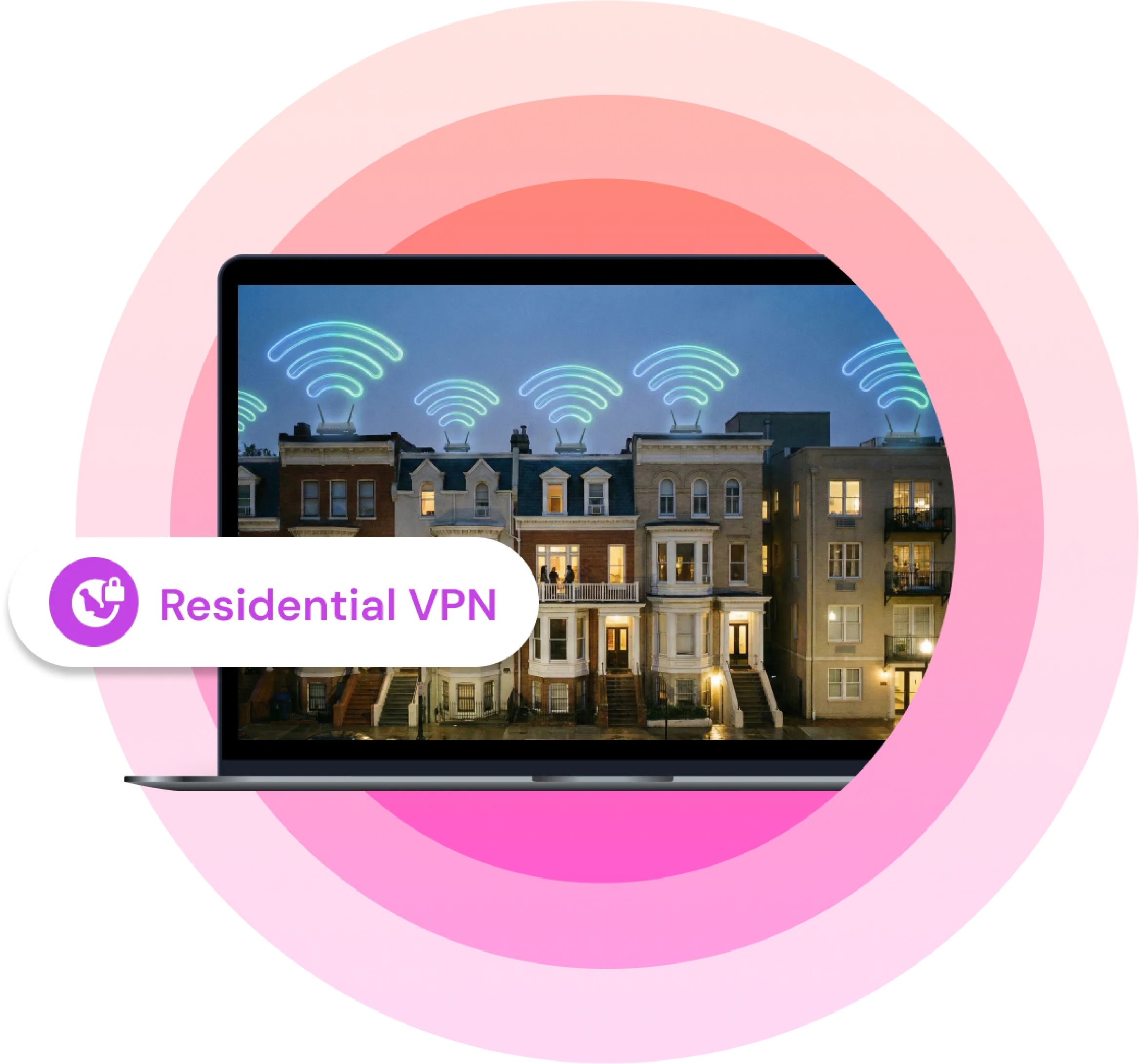
A residential VPN routes your traffic through IP addresses assigned by ISPs to real households – not commercial data centers. Your connection appears as an ordinary home internet connection rather than a known VPN server.
A residential IP address is one assigned by an ISP to a real home connection, as opposed to a datacenter IP, which traces back to a commercial hosting provider.
Learn more about what a residential IP is and why it matters here.
How a Residential VPN Works
- You connect to a Mysterium VPN residential IP, which immediately starts the connection process.
- The VPN creates an encrypted tunnel between your device and the network, preventing anyone from monitoring your traffic.
- Your traffic is routed through the Mysterium Network and is assigned a residential IP, replacing your original IP.
- A request is sent to the website you want to visit using the new residential IP.
- The website responds via the same route, passing through the residential IP and an encrypted tunnel.
- The response arrives back at the VPN, which decrypts the data and delivers it to you.
By the time the website loads on your screen, end-to-end encryption, IP masking, and traffic routing have all been completed, so you and your device are safe.
Where Residential VPNs Make a Difference

Smooth streaming
Platforms like Netflix and BBC iPlayer flag datacenter IP ranges. Using a residential VPN for streaming makes it harder to identify as VPN traffic, which may reduce blocks.

Fewer CAPTCHA
Shared VPN server IPs trigger CAPTCHA loops. Residential IPs don't carry the same bot-detection flag. Learn how to avoid CAPTCHA with a residential VPN here.

Privacy by design
No central server means no single entity logs all your traffic. Decentralized infrastructure by default. Learn what privacy features are necessary for the best residential VPN.
Regular VPN vs Residential VPN: What's the Difference?
| VPN Feature | Residential VPN | Regular VPN |
| IP Type | ISP-assigned residential IPs | Datacenter IPs |
| Detection Risk | Very low | Medium to high |
| Streaming Acess | Highly consistent | Low, but varies by platform |
| Connection Speed | Medium to high | High to very high |
| Encryption | Typically very strong | Typically very strong |
| Coverage Type | Device-wide | Device-wide |
| Privacy & Security | Very strong | Strong |
| Best For | Stealthy connection, streaming, privacy, fewer flags | Every day, browsing privacy, speed, and gaming |
Residential vs datacenter VPN breakdown | Learn why residential IPs matter
More Than a VPN

We Started with a Problem, Not a Product
We built the first decentralized VPN in 2019, learned where that model broke, and rebuilt around what actually works in daily use rather than in theory.

Freedom Is the Point
We treat open internet access as a human right, not a premium feature. Everything in the product follows from that, including the parts that cost us more to run.

We Hand Over the Controls
11,000+ IPs, 100+ countries, state-level choice in the US. We give you context and options. What you do with them is up to you.

Built with a Community
Our 7,500+ residential IPs come from independent node operators who explicitly agreed to take part. Using Mysterium VPN never makes your own device part of the network.

Open to Inspection
Our app code is public, and we're a member of the VPN Trust Initiative. Privacy claims should be checkable, not taken on blind faith.

We Watch What's Coming
Detection methods change, restrictions spread, rules get rewritten. We track it and keep the network working, so your internet stays usable without you having to actively follow any of it.
Reviews of Mysterium VPN








Are Residential VPNs Legal?
VPN use is legal in most countries. Using a VPN to violate a platform's terms of service is a separate matter from legality – check local laws if you're in a country with VPN restrictions.
Are Free Residential VPNs Worth It?
Free residential VPNs almost always require traffic sharing – your IP is shared with others on the network. For most use cases, a paid plan offers better IP reputation and no data caps.
Here’s a more detailed breakdown of free vs. paid residential VPNs.
Mysterium VPN Is Available On