

Residential IPs in Your Browser
Your browser traffic routes through 7,500+ residential IPs, not the datacenter ranges that sites flag.
Real residential IPs in your Chrome browser – not a datacenter, not shared server ranges.
Reclaim your freedom for 85% OFF!
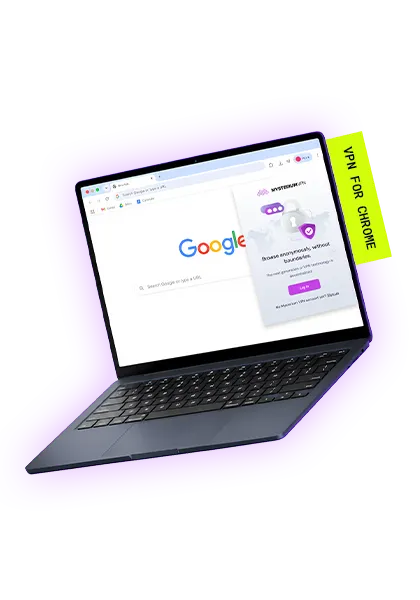
Your browser traffic routes through 7,500+ residential IPs, not the datacenter ranges that sites flag.

Residential IPs don't appear in VPN detection databases, so streaming, CAPTCHA-heavy, and bot-sensitive sites see ordinary browsing traffic.

Fast, modern encryption built for speed and security, it's all because of Wiregaurd

Mysterium VPN also works as a Brave VPN extension, an Opera VPN extension, and an Opera GX VPN extension.

If your VPN connection drops, the kill switch blocks browser traffic until the connection is restored, so your real IP isn't exposed mid-session.

DNS requests from Chrome go through the VPN tunnel instead of your ISP's resolver, so the sites you visit stay hidden from your provider.
🎁 +3 MONTHS FREE
$263.76 $71.76 billed every 2 years
🎁 +3 MONTHS FREE
$335.76 $54.96 billed every 2 years
🎁 +3 MONTHS FREE
$479.76 $93.36 billed every 2 years
Ready to download the VPN for Chrome? Getting set up takes about a minute:
That's it. You've installed a VPN extension for Chrome in six steps flat. Running into trouble? Use the chat pop-up on our website to chat with our customer support team!
Yes. The Chrome extension routes your browser traffic through real ISP-assigned residential IPs, the same network as our desktop and mobile apps. Residential IPs are less likely to appear in VPN detection databases than datacenter ranges.
No. Mysterium VPN is a paid product on every platform, including the Chrome extension. You can see current pricing, starting at $2.29/mo, on our pricing page.
To install the Mysterium VPN Chrome extension, click "Add to Chrome" at the top of this page to open the Chrome Web Store listing. Click "Add to Chrome", confirm in the prompt, and you're done. A detailed breakdown is available on our website.
Yes, you can find and install the Mysterium VPN extension directly from the Chrome Web Store.
Click "Install extension" on this page to open the Chrome Web Store listing, click "Add to Chrome", and confirm in the prompt. The Mysterium VPN icon then appears in your toolbar. Sign in, pick a location, and connect.
Yes. You can find and install the Mysterium VPN extension directly from the Chrome Web Store.
No. Mysterium VPN never logs your browsing activity, IP address, or connection data on the extension or the apps. There's nothing stored to leak, sell, or hand over.
A residential IP is an address tied to a real home internet connection, not a datacenter server. Traffic from a datacenter address is more likely to get flagged, while residential traffic looks like ordinary browsing, which is how the Mysterium VPN network operates.
Yes. The Mysterium VPN extension works on Chromebooks running Android 7.0 or later, the same as it does in Chrome on Windows, macOS, Android, and iOS.
The extension covers your Chrome browser traffic. The app covers all traffic on your device, including every app and browser. Both route through Mysterium VPN's residential network. Use the extension for browsing; use the app for whole-device coverage.
Get 85% OFF + 3 months FREE!